
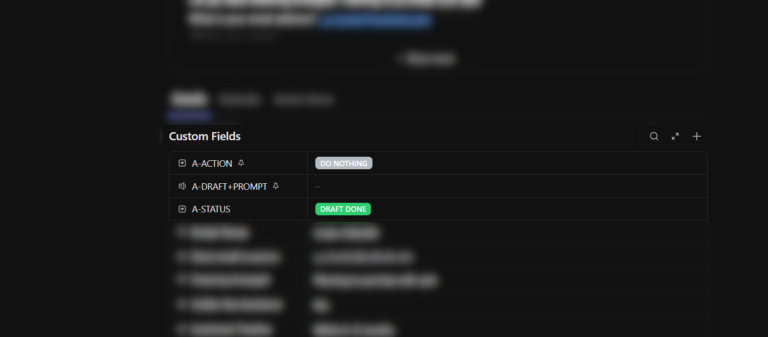
When there’s a need, there’s a solution. Preferably a simple one. This motto guides me whenever Hubert suggests new functionalities for our tools. Recently, we faced a challenge in one of our sales funnels where the high volume of emails required a more efficient flow. Hubert proposed a solution: automatically drafting emails to save time and streamline the process.
From Problem to Vision: Designing a Scalable Workflow
Hearing this need, I immediately began brainstorming solutions. In moments like this, I focus on ideas that are:
- Easy to implement and maintain,
- Highly scalable,
- Reliable.
While cost and execution time are important, they take a backseat to these priorities.
System Components: The Building Blocks of Automation
To design the solution, I started by analyzing the components we had:
- Landing Page
- Spreadsheet (serving as a database)
- AppScript
- ClickUp CRM
- Google Workspace (Gmail/Email)
Defining the Interface and Action Flow
The next question was: What will the interface look like, and how will this function be triggered?
We didn’t want to automatically generate drafts for all emails—this would be unnecessary and problematic. On the other hand, we needed visibility into what happens and when.
With these considerations, I envisioned a system where:
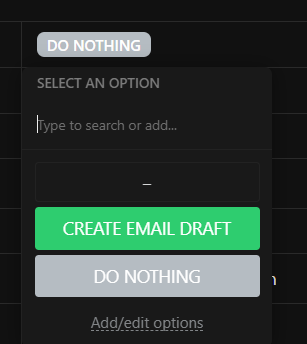
- The action is triggered directly in ClickUp via predefined custom fields in the task template.
- A custom automation in ClickUp sends data to a webhook when the “CREATE EMAIL DRAFT” action is selected.
- The webhook triggers a Make.com scenario that processes the request.
The Workflow: Simplified and Powerful
Step 1: ClickUp Triggers the Action
- Using ClickUp’s custom fields, users can select the “CREATE EMAIL DRAFT” option in the task template.

Step 2: Clickup to Make.com(Webhook)
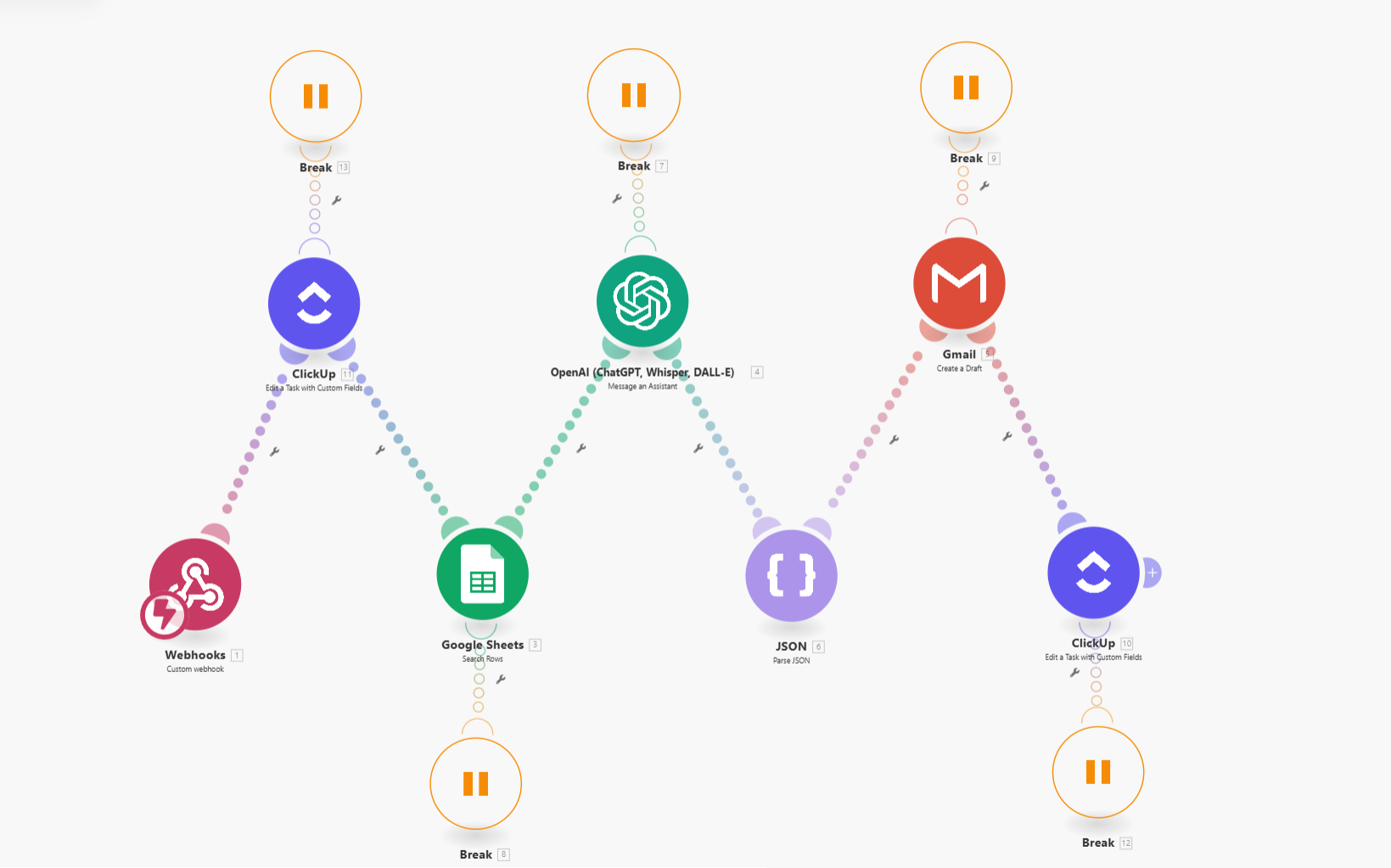
The Clickup automation sends data to a Make.com scenario. Here, the entire logic of the functionality is defined.
Assistant Generates the Draft
From Make.com, specific data is retrieved from the database and sent to the OpenAI assistant. Using a carefully crafted prompt and configuration, OpenAI generates:
- The email subject
- The email body
Step 3: Draft Creation and Status Update
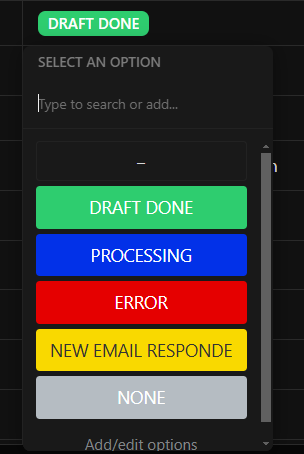
The generated draft is created in Gmail, and the task status is automatically updated in ClickUp to reflect the action.
Why Make.com? Flexibility, Scalability, and Security
One of the reasons we relied on Make.com for this solution is its flexibility.
- Adding or modifying steps is simple.
- Integration with other components (e.g., Google Workspace) is seamless.
- Maintenance is easier compared to hosting a conventional application on a private server or cloud service.
Security Advantages
Make.com also simplifies security management:
- Webhooks can be restricted to specific IP addresses.
- You can add a unique token to every request, which is validated at the start of the scenario.
Continuous Data Synchronization with AppScript
Another vital component of the system is AppScript, which monitors Gmail inboxes to ensure the database remains up-to-date. This ensures that email drafts always contain the latest information and agreements from all relevant sources.
Future Enhancements
This solution is designed to be scalable. While this article focused on the email drafting workflow, future updates will dive deeper into how AppScript powers real-time data synchronization. Stay tuned! 😊